How to Change a Tire on Honda Civic [Step-by-Step Guide]
The Honda Civic is a popular compact sedan. The spare tire is stored in the trunk under the floor panel.
The spare tire is located in the trunk under the floor panel. Lift the trunk floor cover to access it.
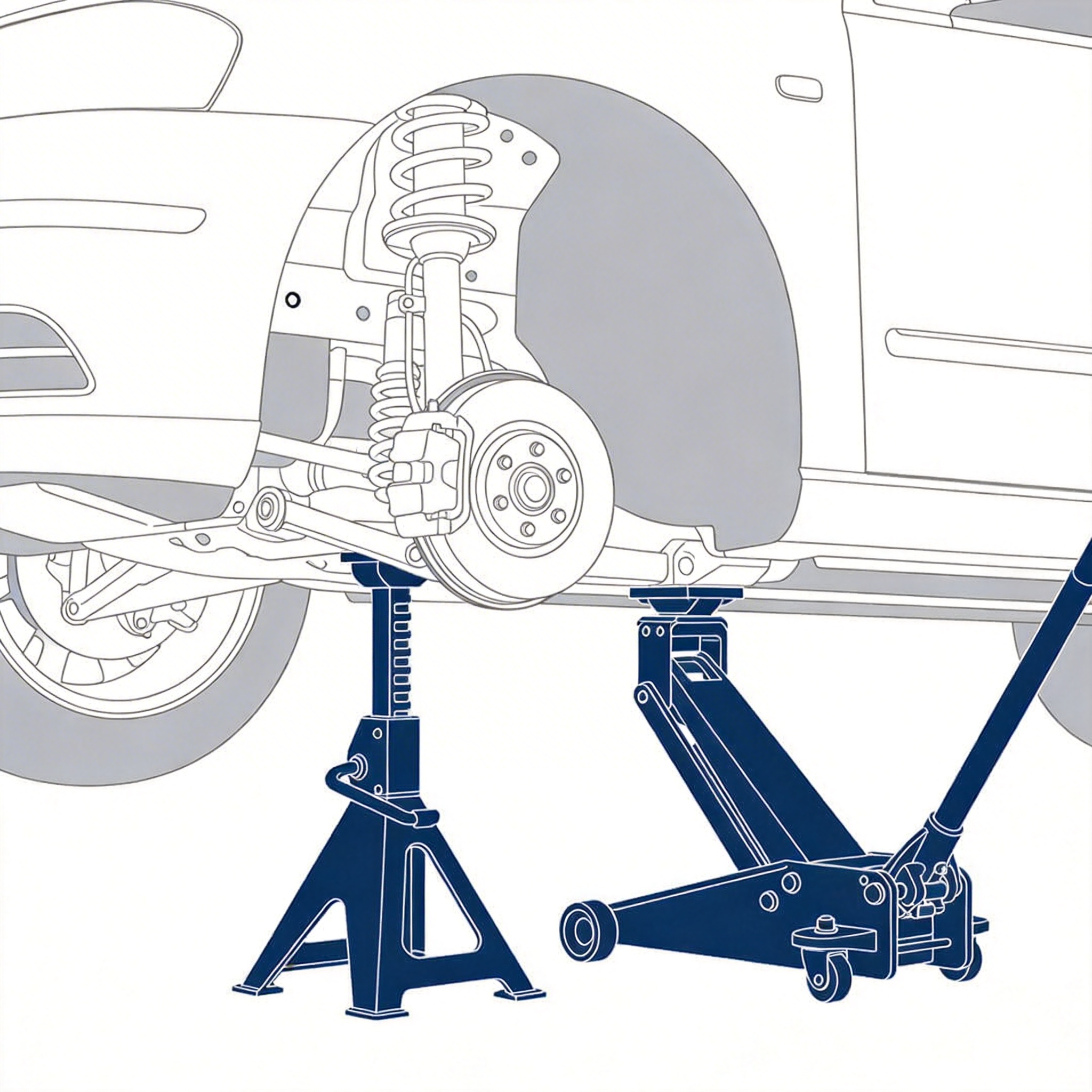
The Civic has designated jack points on the pinch weld under the rocker panels. Look for notches in the metal about 10 inches behind the front wheel or in front of the rear wheel.
Step-by-Step Instructions
Pull over to a flat, stable surface away from traffic. Turn on hazard lights and engage the parking brake.
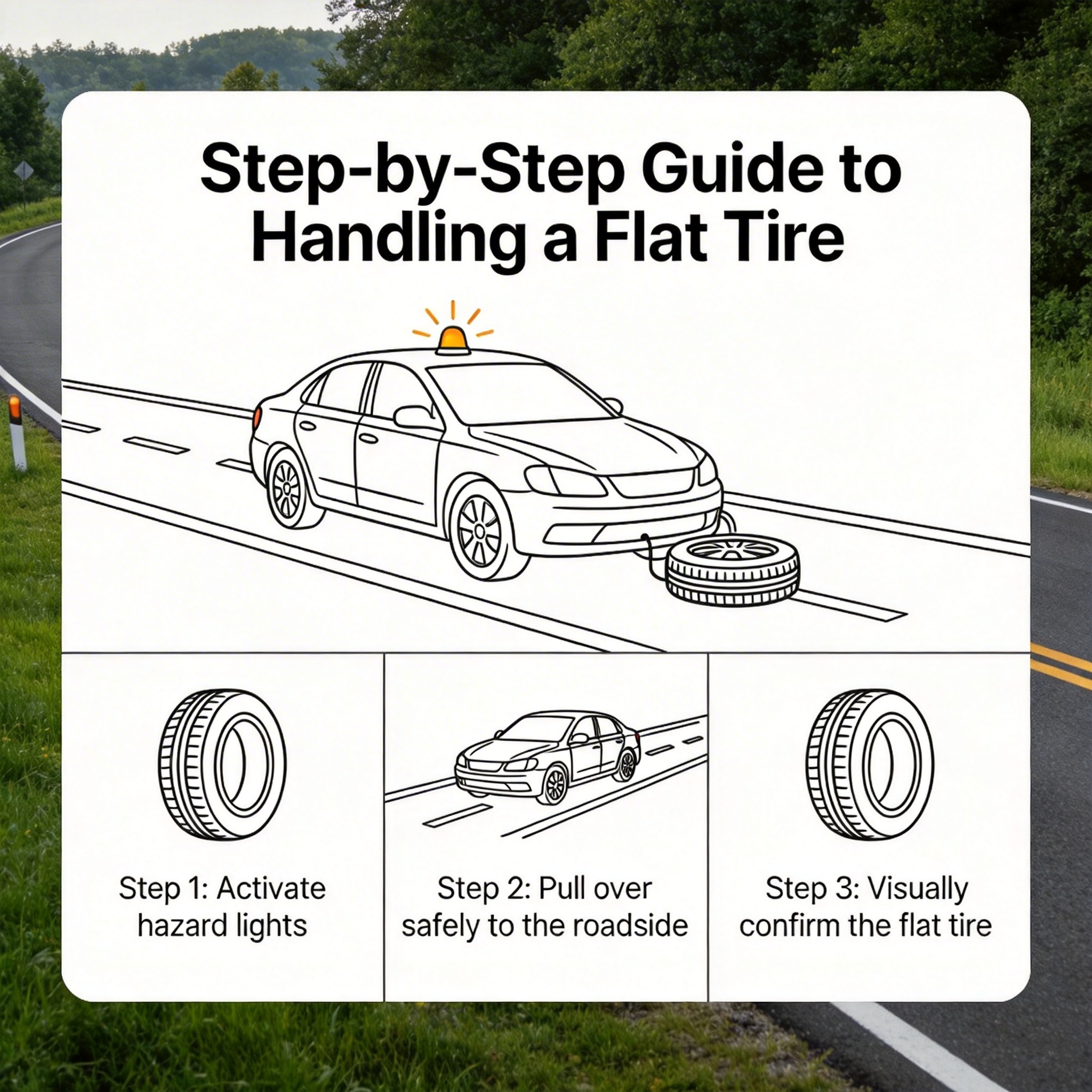
Put in Park and engage the parking brake. Place wheel wedges behind the opposite tire.
Open the trunk and lift the floor panel. Remove the spare tire, jack, and lug wrench.
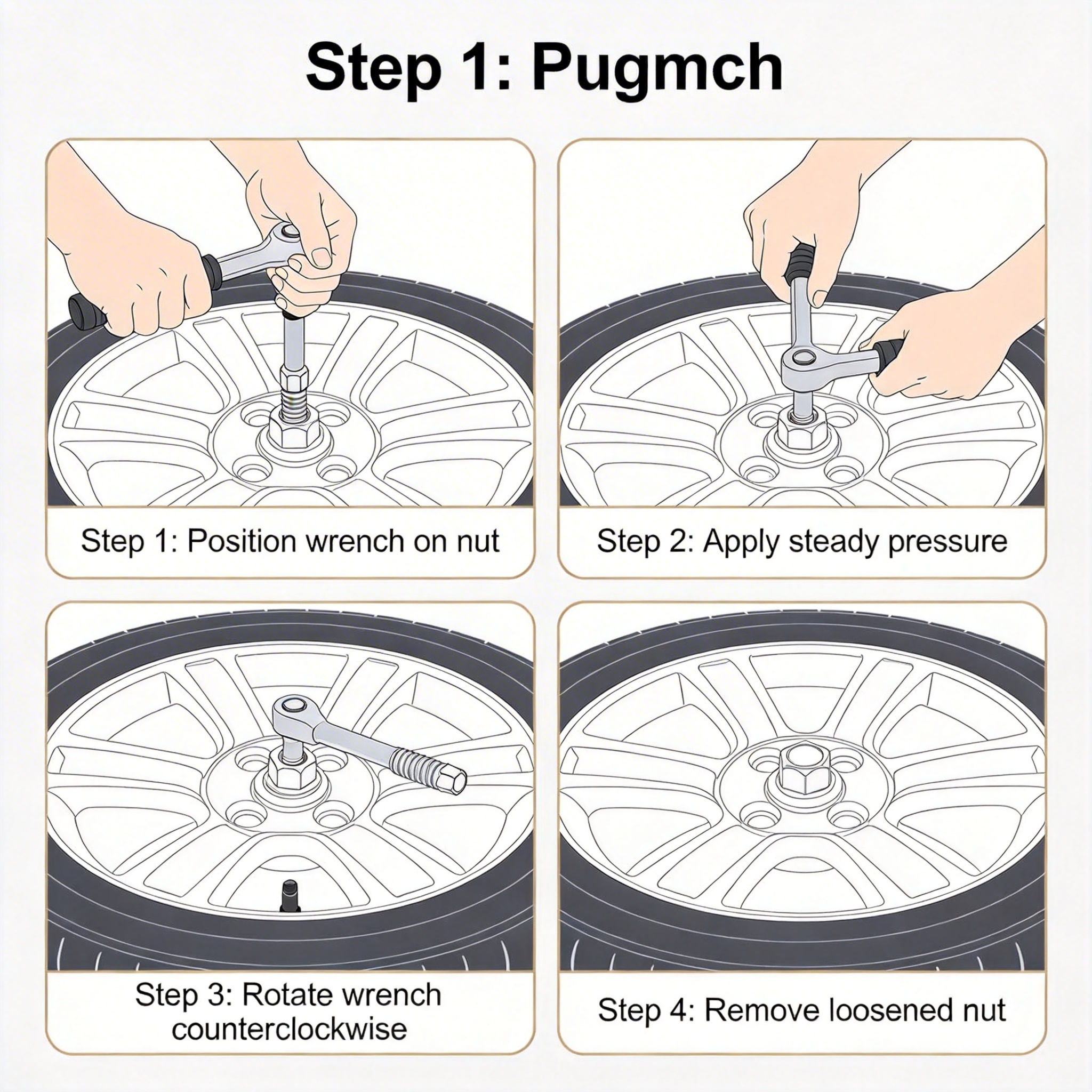
Loosen all 5 lug nuts on the flat tire about one turn each while the car is on the ground.
Position the jack under the designated jack point on the pinch weld. Raise until the tire is 6 inches off the ground.
Remove lug nuts and pull the tire straight off.
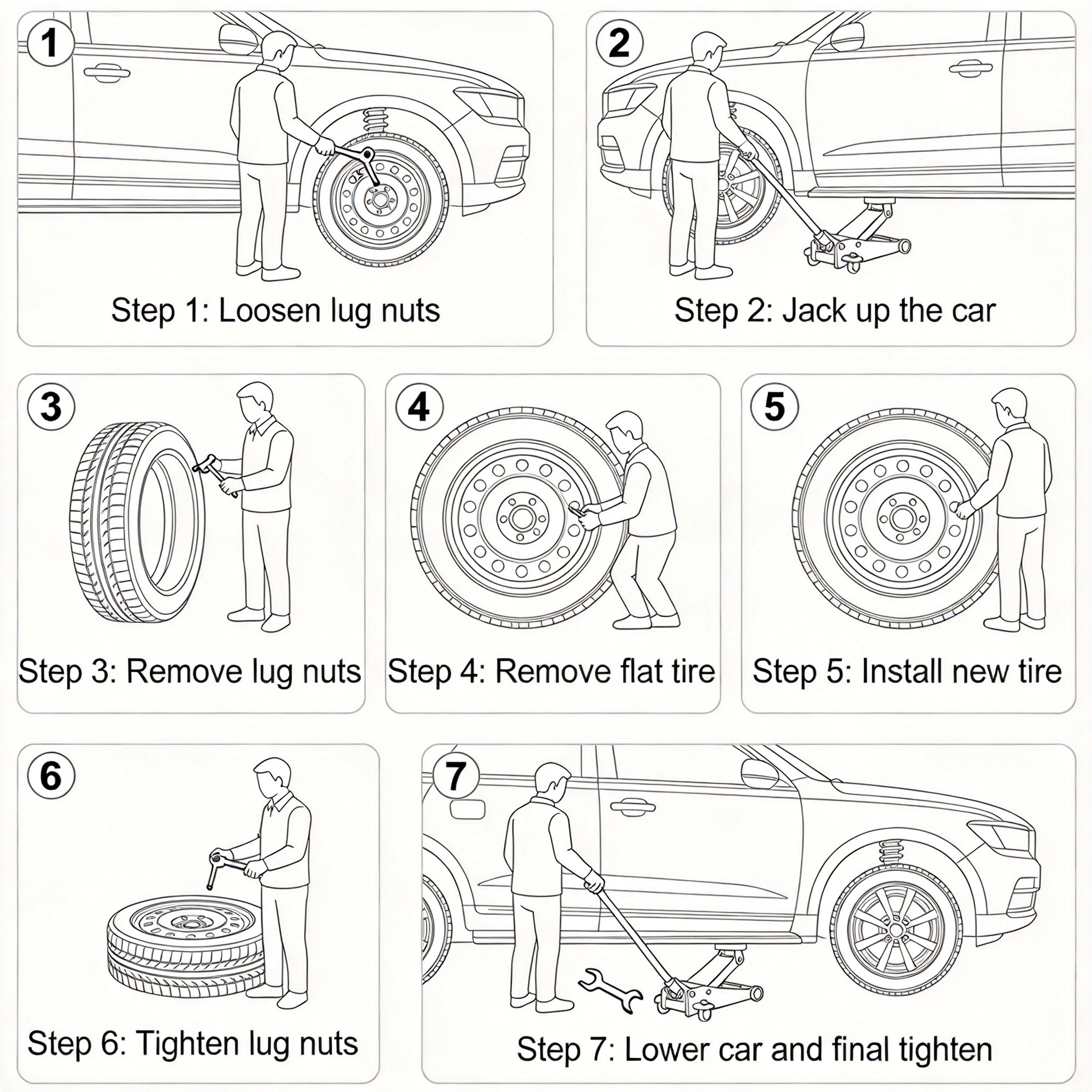
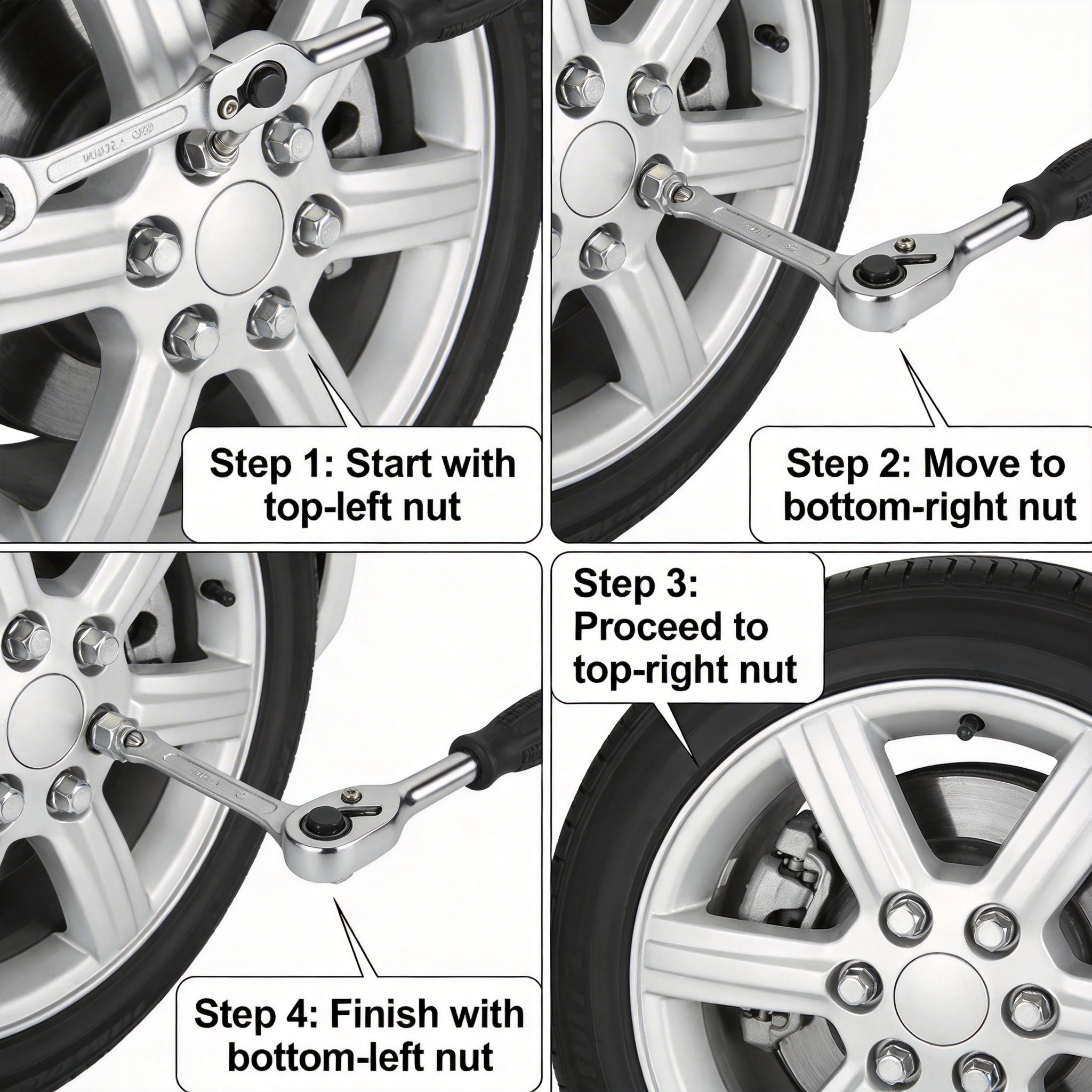
Mount the spare tire onto the wheel studs. Hand-tighten lug nuts in a star pattern.
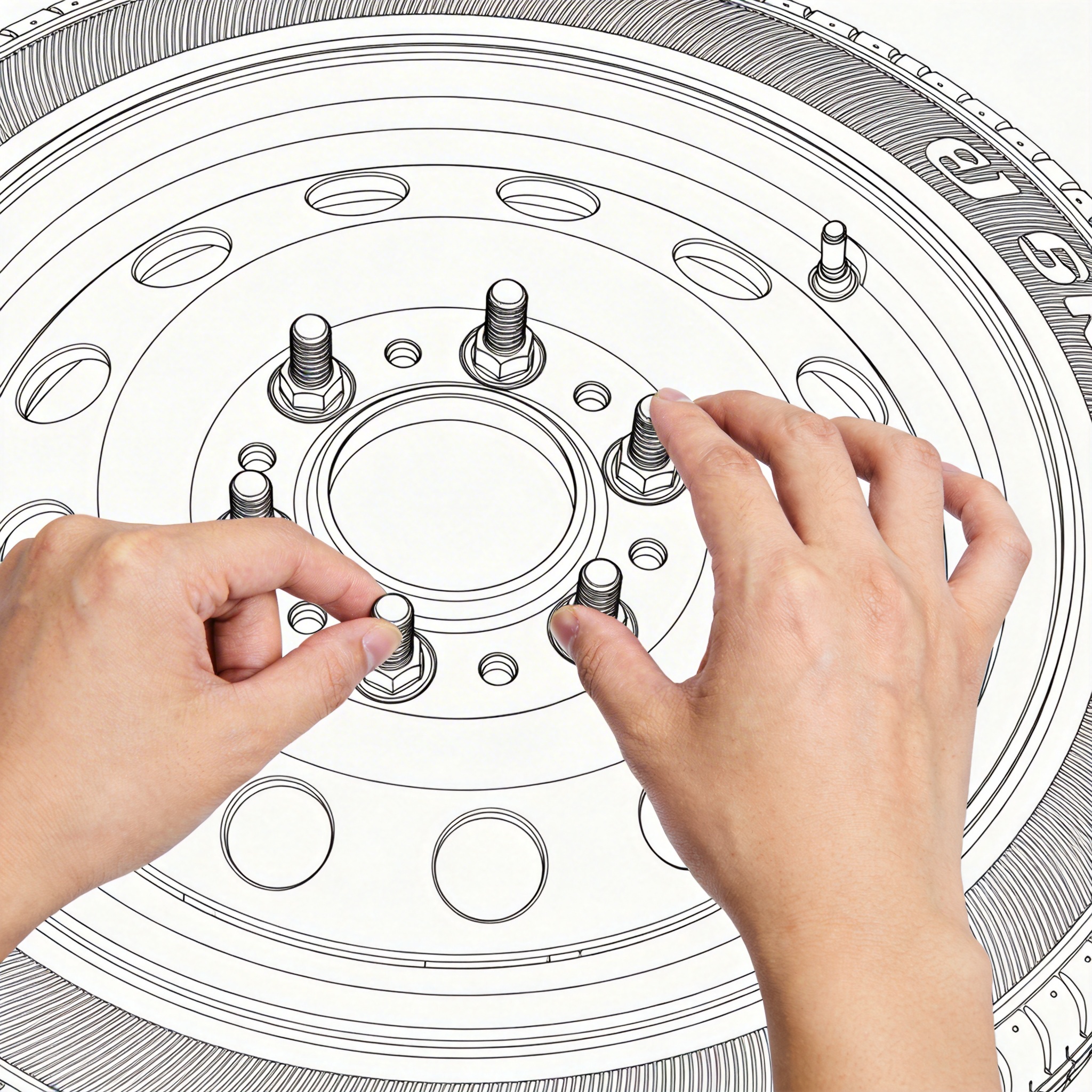
Lower the vehicle. Fully tighten lug nuts in a star pattern. Remove the jack.
Place the flat tire in the trunk. Store the jack and tools under the floor panel.
Frequently Asked Questions
Civic Hatchback models have the spare tire in a similar location. The procedure is the same for sedan and hatchback variants.
Car Jack(Required)
A device used to lift the vehicle off the ground. Most vehicles come with a scissor jack, but hydraulic jacks are easier to use.
Lug Wrench(Required)
A tool used to loosen and tighten the lug nuts on your wheels. Often comes with the vehicle as a tire iron.
Spare Tire(Required)
A backup tire that comes with your vehicle. Check tire pressure regularly as spares can lose air over time.
Flashlight
Essential for nighttime tire changes. A headlamp keeps your hands free.
Safety First
Always prioritize your safety. If you're in an unsafe location or feel uncomfortable, call roadside assistance.